
Albania e-Visa Photo Requirements (2026): The "No Rejection" Guide
- Maria
- Jan 22
- 3 min read
Picture this: You’ve filled out the entire application form. You’ve booked your flights. You’re ready to hit "Submit." But then, three days later, you get a dreaded email: "Application Returned - Invalid Photograph."
It happens more often than you think. In fact, incorrect biometric photos are the #1 reason for e-Visa delays in 2026.
The Albanian border authorities are strict. They don't care if you look good in the photo; they care if the photo complies with international security standards.
But don't panic. You don't need a professional photographer. You just need a smartphone and this guide. Here is how to nail your photo upload on the first try.

The "Golden Rules" of a Valid Photo
Before you upload anything, check your file against these three non-negotiable rules:
Format: Must be JPG or PNG.
Age: Taken within the last 6 months. (If you use a photo from 5 years ago that doesn't look like you anymore, you risk being stopped at the border).
No Filters: This isn't Instagram. No smoothing, no black & white, no cropping out a friend from a group shot.
Step-by-Step: How to Take the Perfect Photo at Home
You can absolutely take a valid biometric photo with your iPhone or Android. Just follow this method:
1. Find the Light (The Window Trick)
Do not use the flash. Flash creates harsh shadows behind your ears or under your nose, which causes automatic rejection.
Pro Tip: Stand facing a window during the day. Natural light is your best friend.
2. The Background Must Be White
Not "cream," not "light blue," and definitely not a busy living room wall.
Hack: If you don't have a white wall, hang a white sheet. Just make sure it’s ironed—wrinkles can sometimes confuse the background removal bots.
3. Neutral Expression (Don't Smile!)
We know you're happy about your holiday, but the government wants to see a neutral face.
Mouth closed.
Eyes open and looking directly at the camera lens.
No teeth showing.
4. Glasses and Headwear
Glasses: We strongly recommend taking them off. Glare on the lenses is a guaranteed rejection. If you must wear them for medical reasons, ensure the frames don't cover your eyes.
Headwear: Religious headwear (like hijabs) is allowed, but the entire face (from forehead to chin) must be clearly visible. No shadows on the face.
Common Mistakes That Kill Applications
We see thousands of applications. Here are the top ways people mess up:
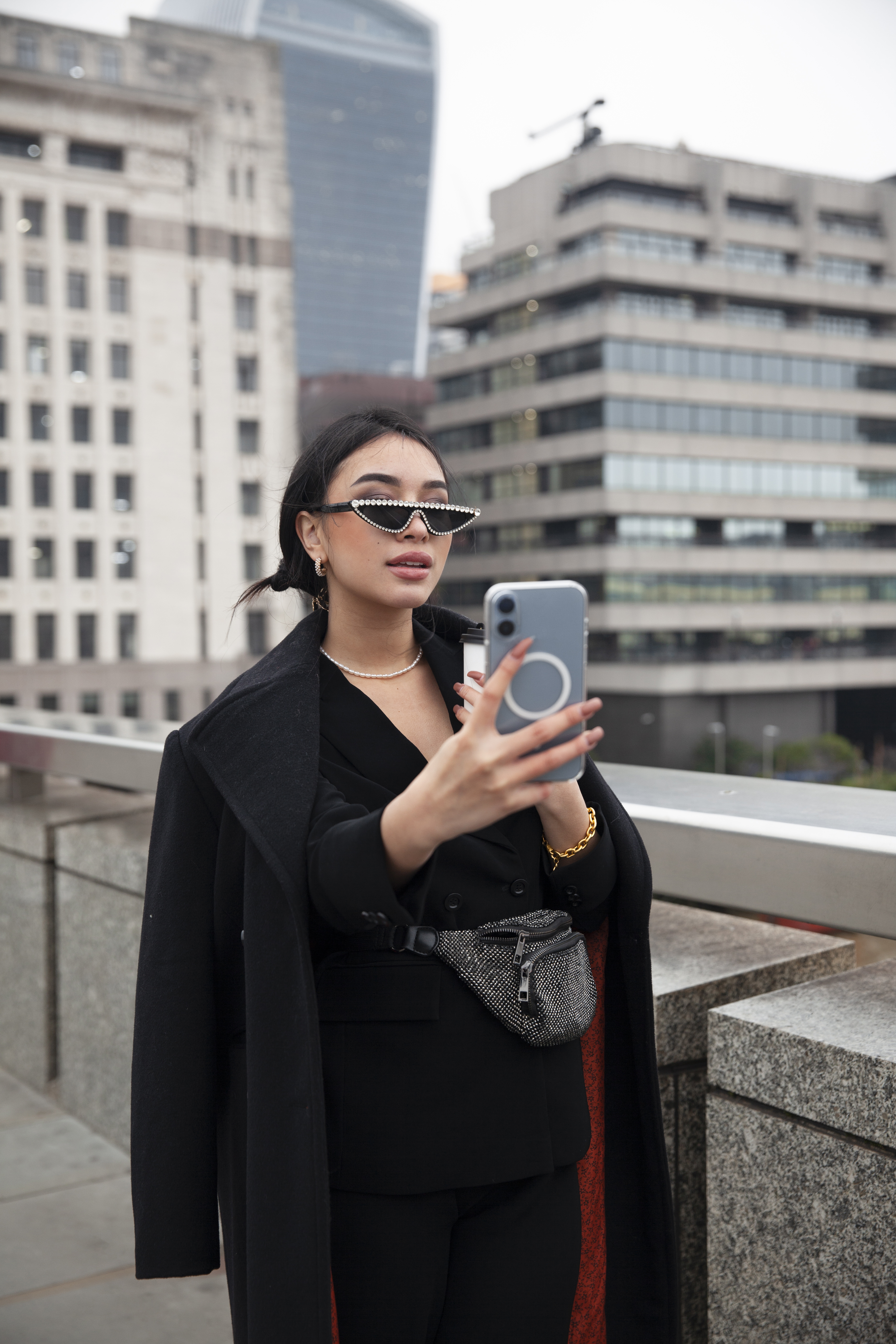
The "Selfie" Angle: Holding the phone yourself usually creates an angled shot. Ask a friend to take it, or use a timer. The camera must be at eye level.
Low Resolution: Don't take a photo of a physical photo. The quality drops too much. Upload the original digital file.
Crop is Too Tight: Don't zoom in so much that you cut off your chin or the top of your hair. Leave a little space around your head.
Need a technical deep dive? We cover the specific upload limits (Max 15MB) and dimensions in our Step-by-Step Application Guide.
"Can I Scan My Passport Photo?"
Technically, yes. Ideally, no. Scanning a physical photo often results in a "moiré pattern" (weird wavy lines) or a blurry image. Since you are applying for a Digital e-Visa, a digital photo taken with a phone is almost always clearer and better than a scan.
Summary Checklist (The "Do I Look Okay?" Test)
Before you upload file in Step 2 of our form, ask yourself:
[ ] Is the background pure white?
[ ] Is my face evenly lit (no shadows)?
[ ] Are my eyes open and looking at the camera?
[ ] Is the file a JPG or PNG?
Got a green light on all of the above? Great. You are ready to breeze through the application.


Comments